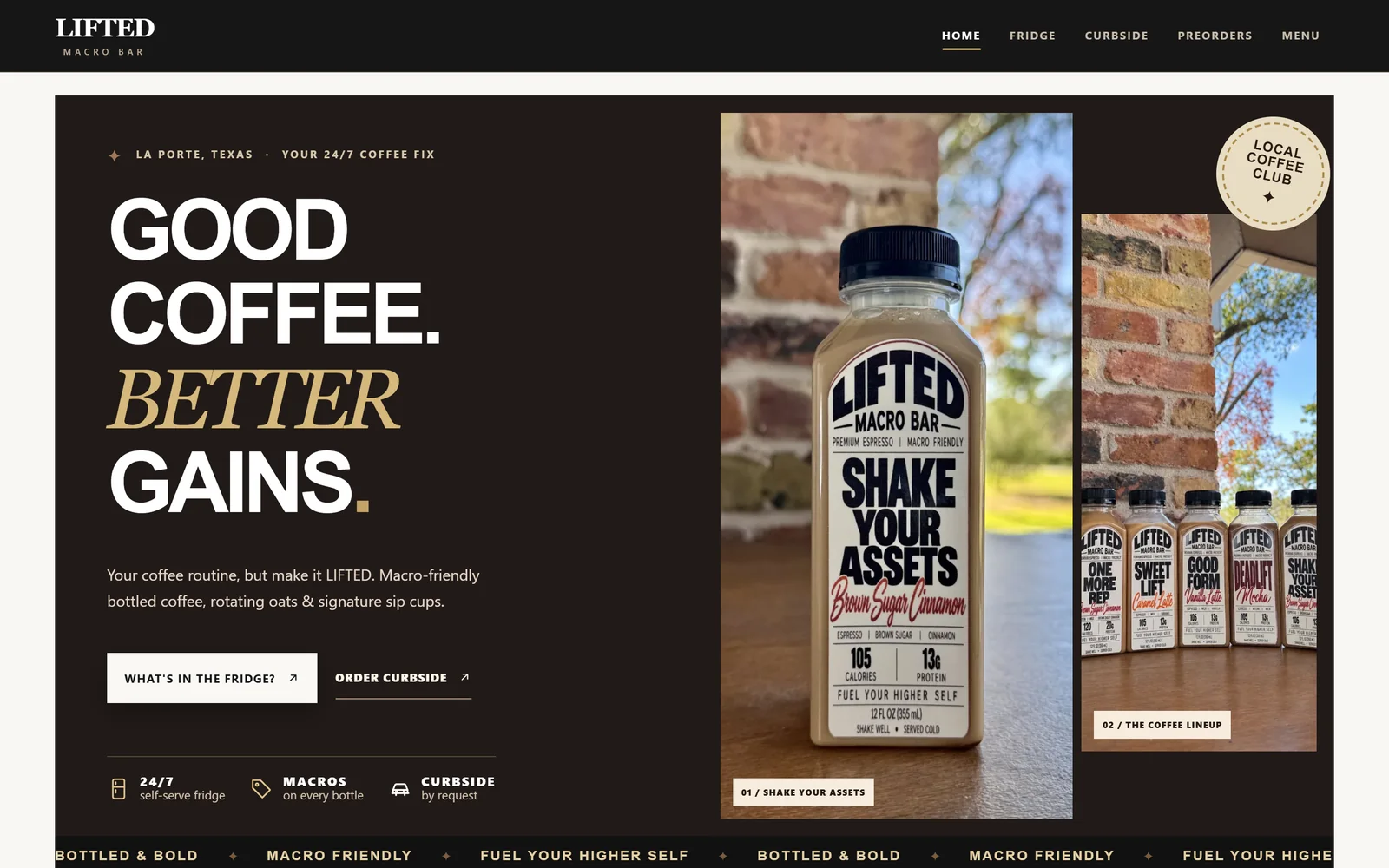
 LIFTED Macro Bar · Local shop · Client
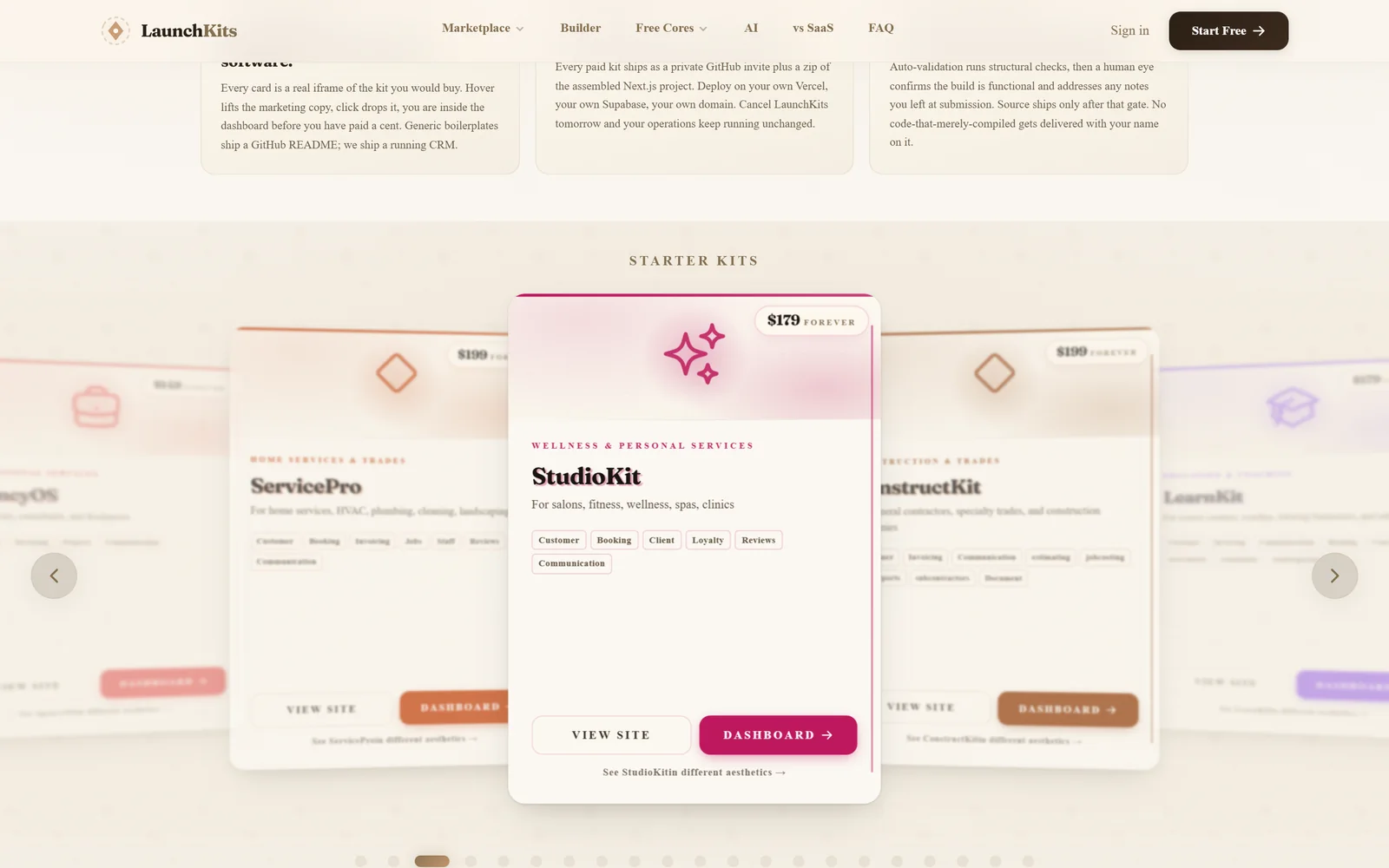 LaunchKits · Product marketplace
 Hekhal · Open reference library
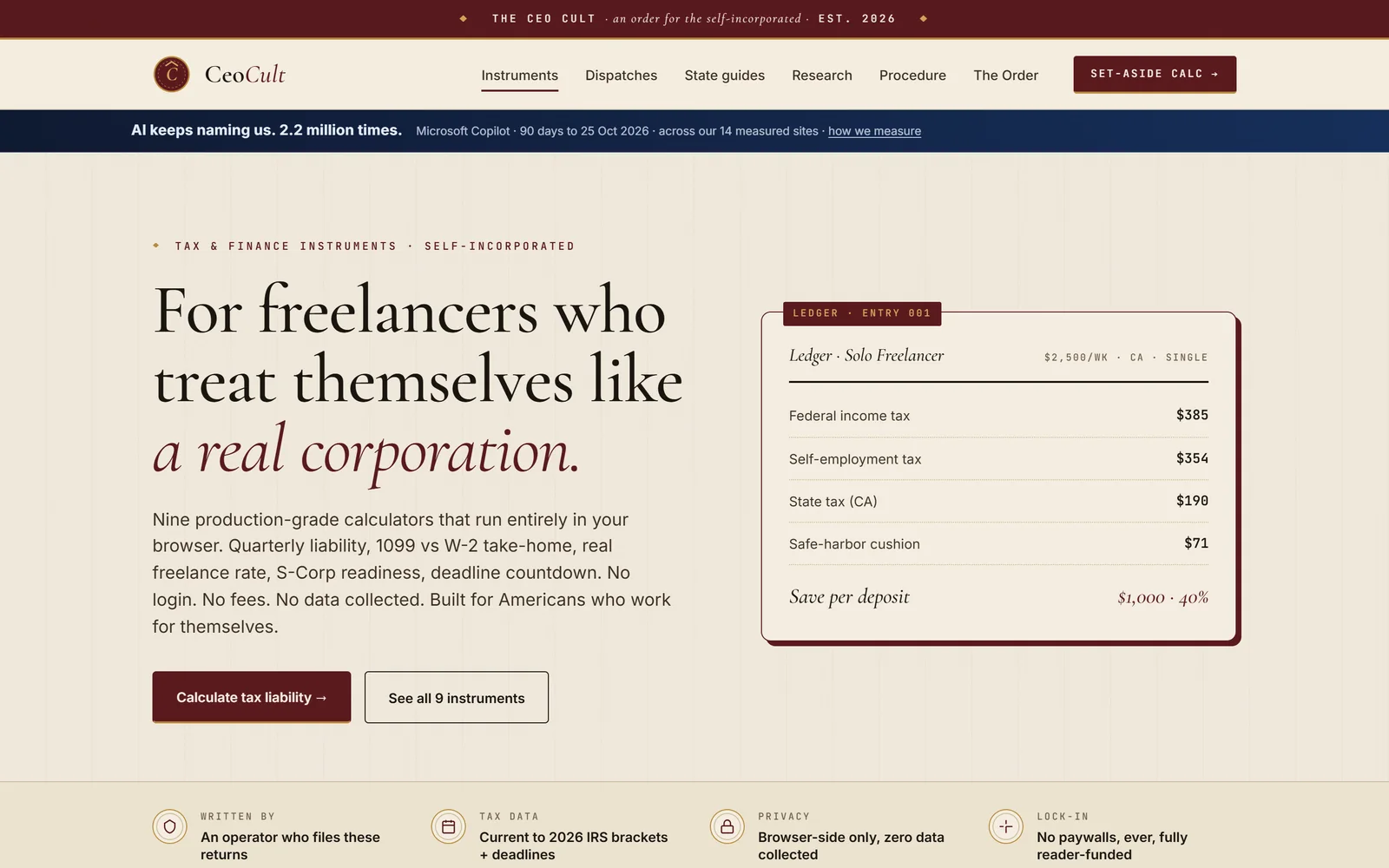 CeoCult · Tools & calculators
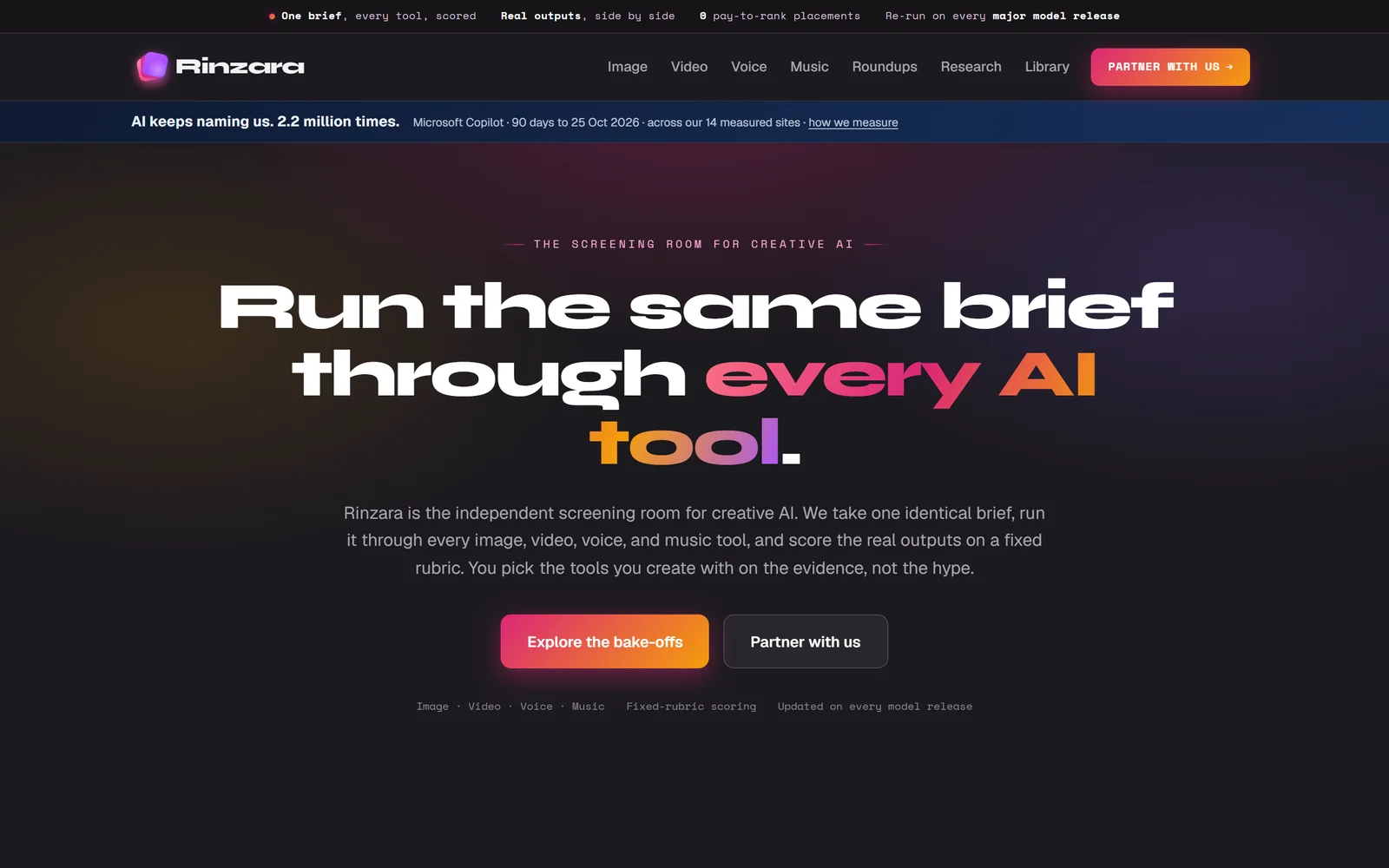 Rinzara · Reviews & data
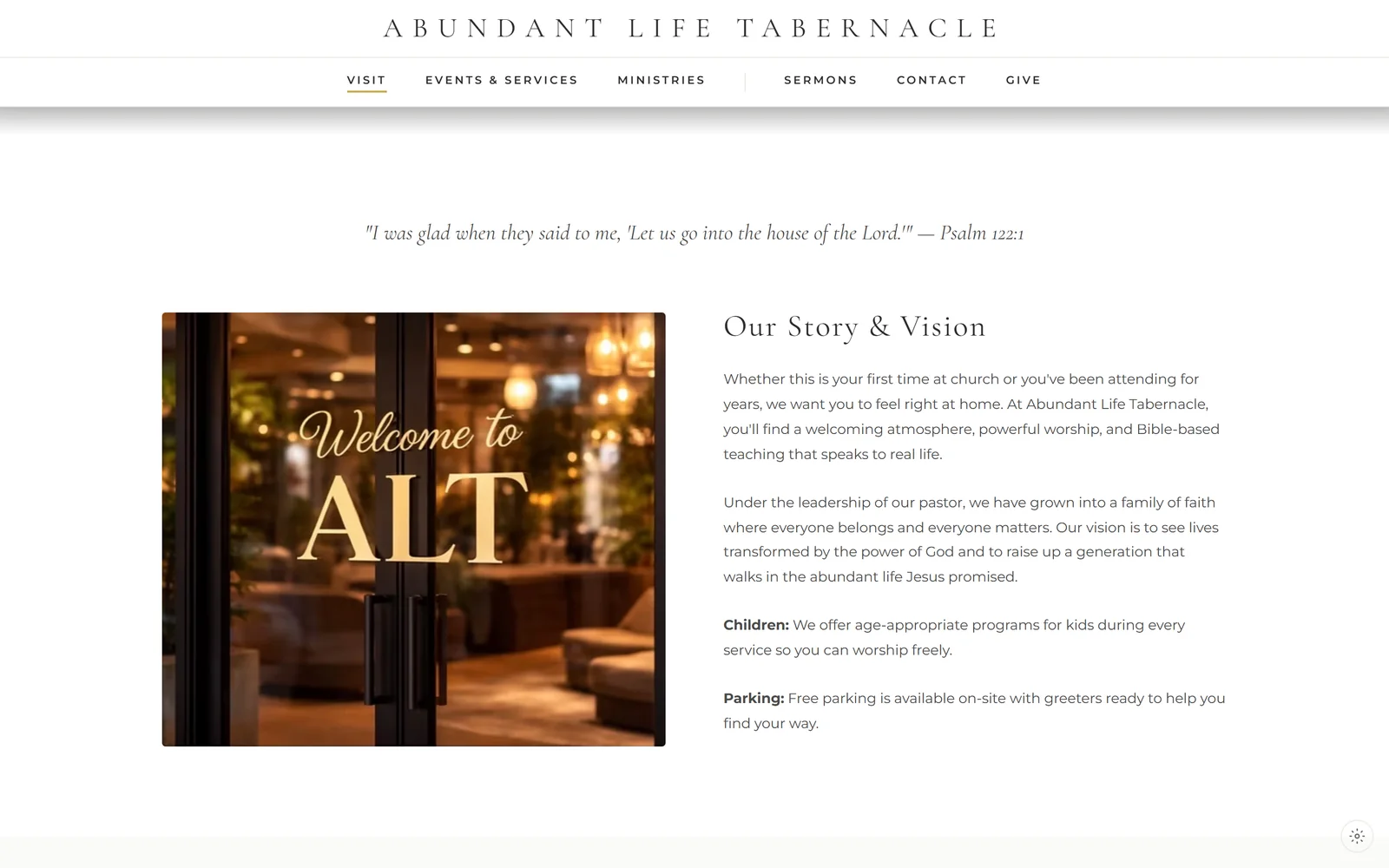 Abundant Life Tabernacle · Church & community
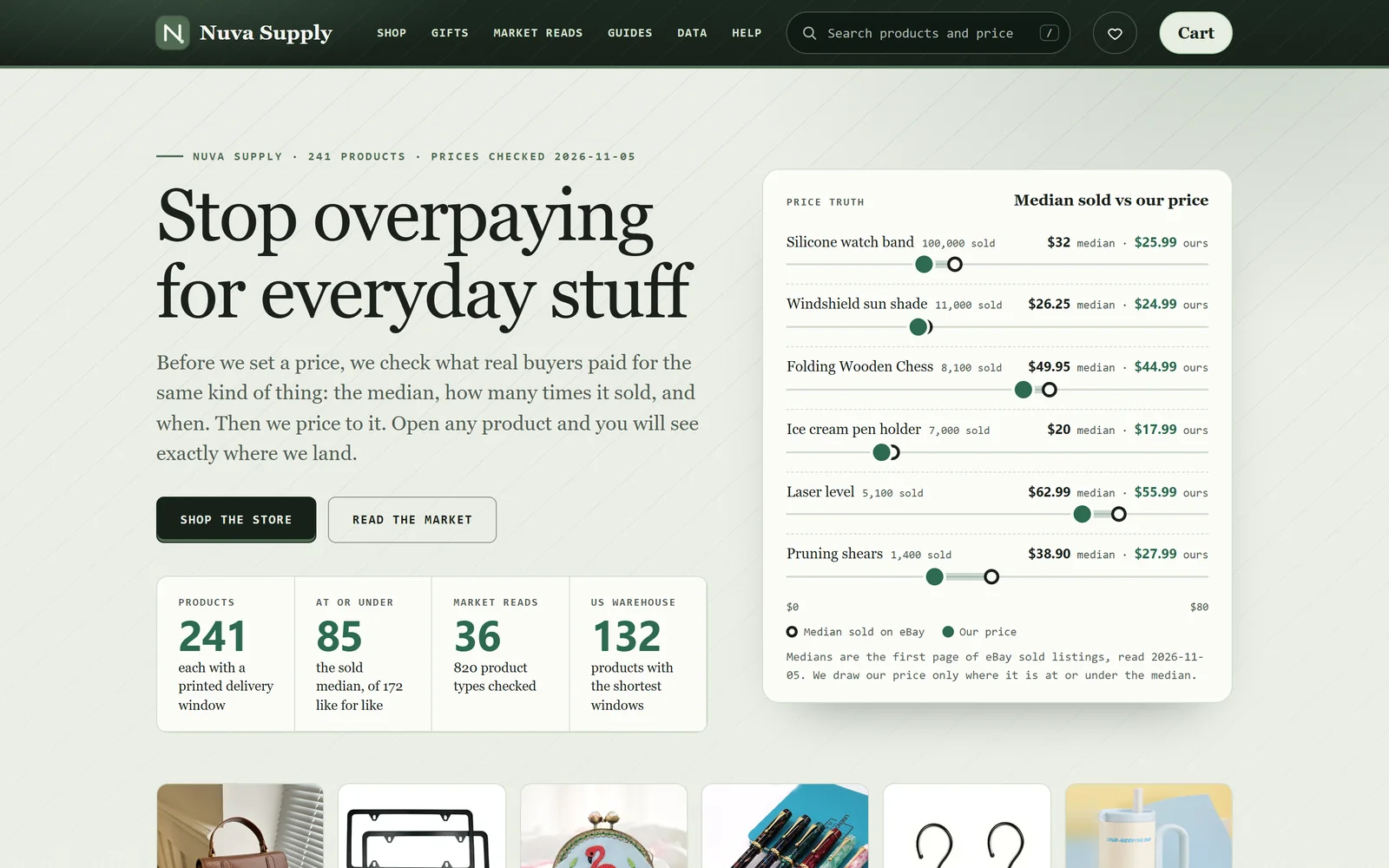 Nuva Supply · Storefront & data
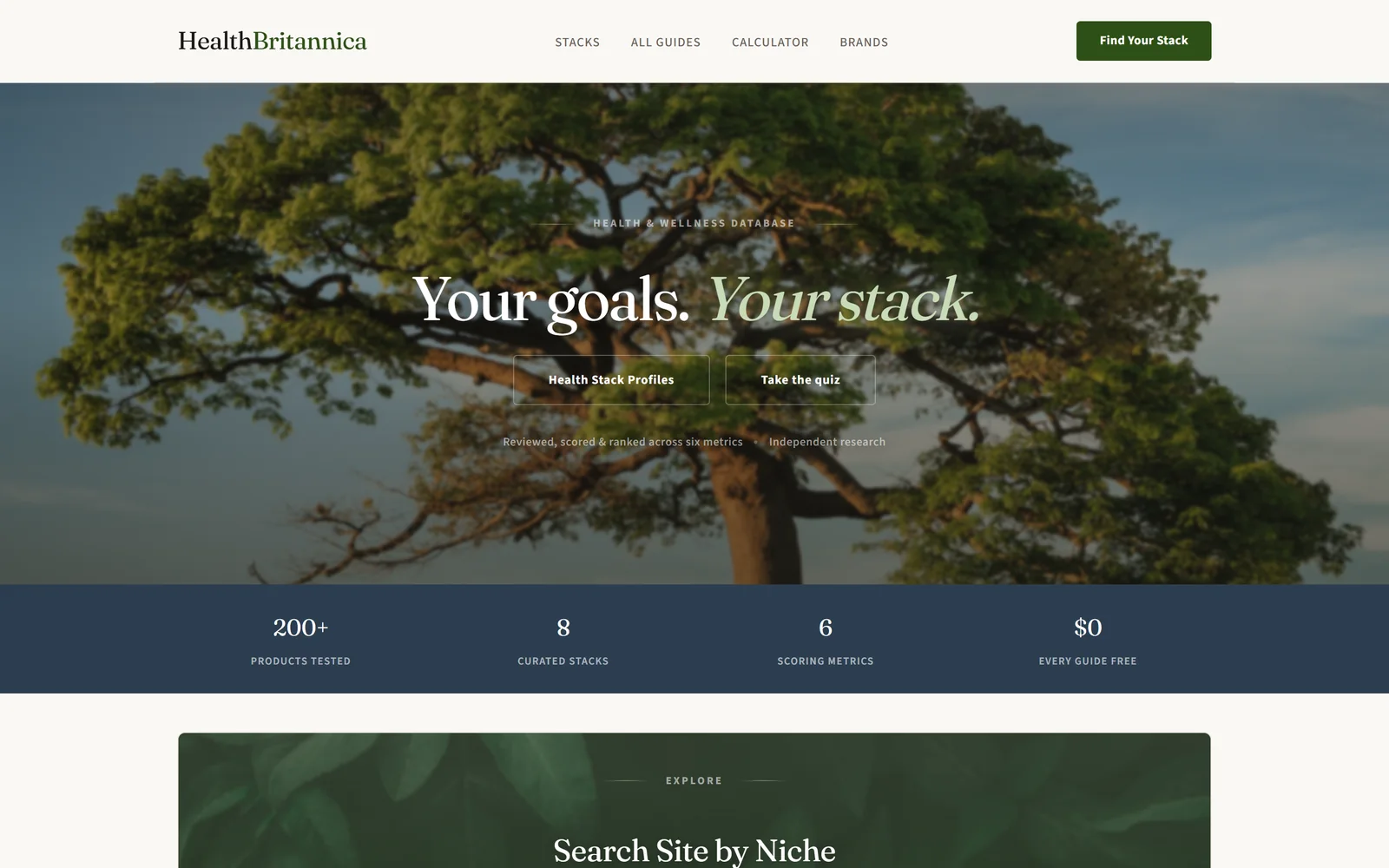 Health Britannica · Guides & quiz
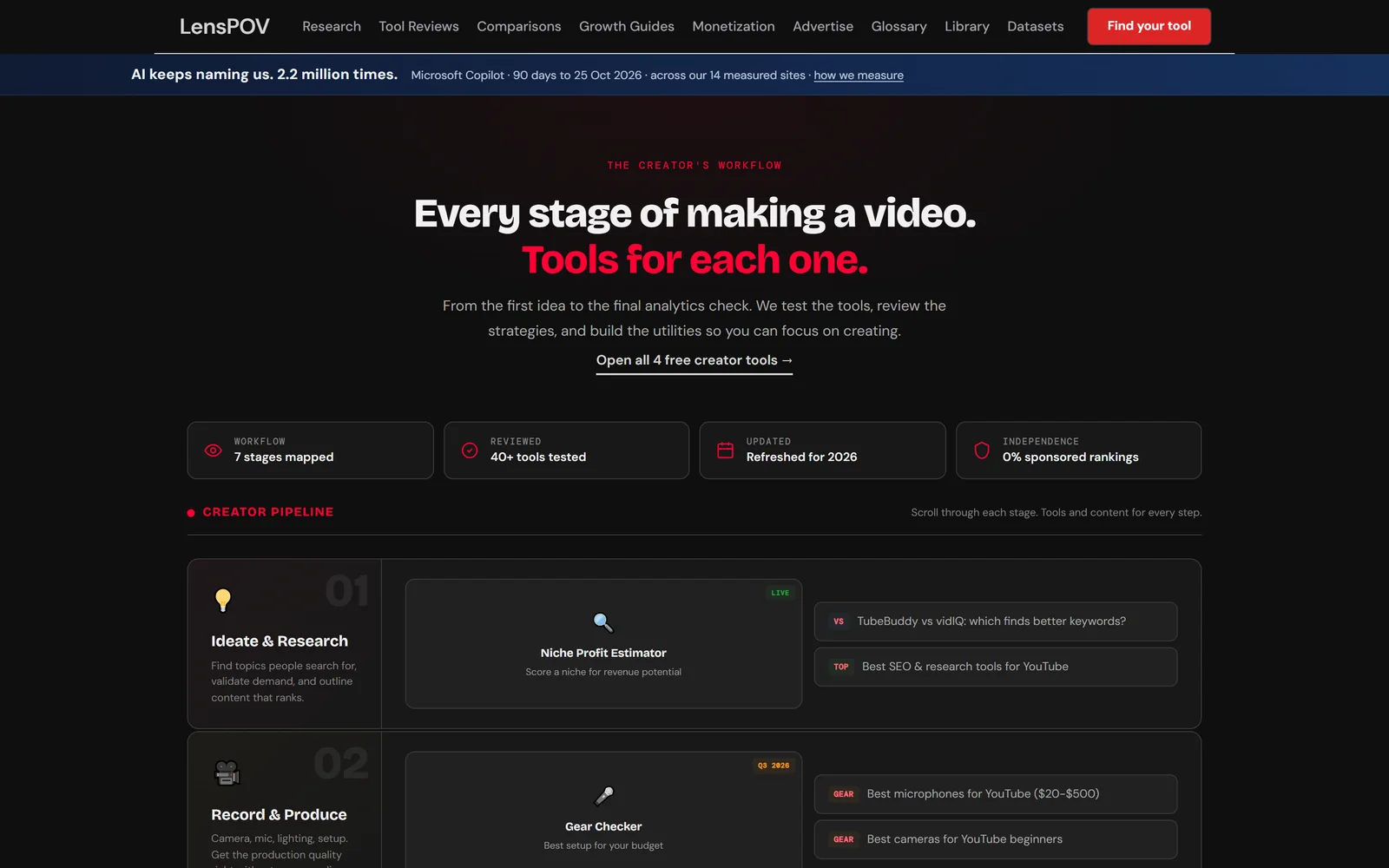 LensPOV · Reviews for creators
LIFTED Macro Bar
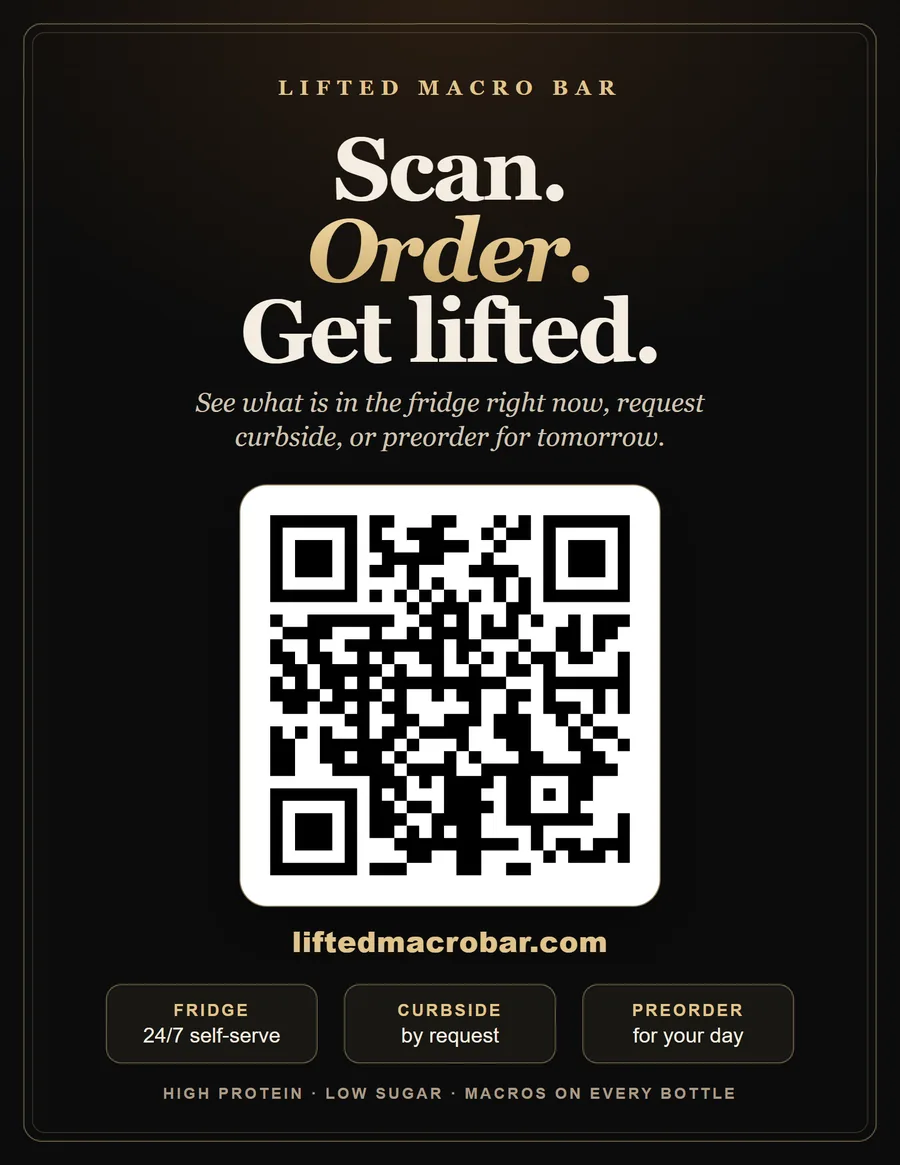
A 24/7 self-serve coffee fridge in La Porte, Texas, with curbside and preorders. The brief: look like a brand people trust, and let the owner run the whole thing from her phone.
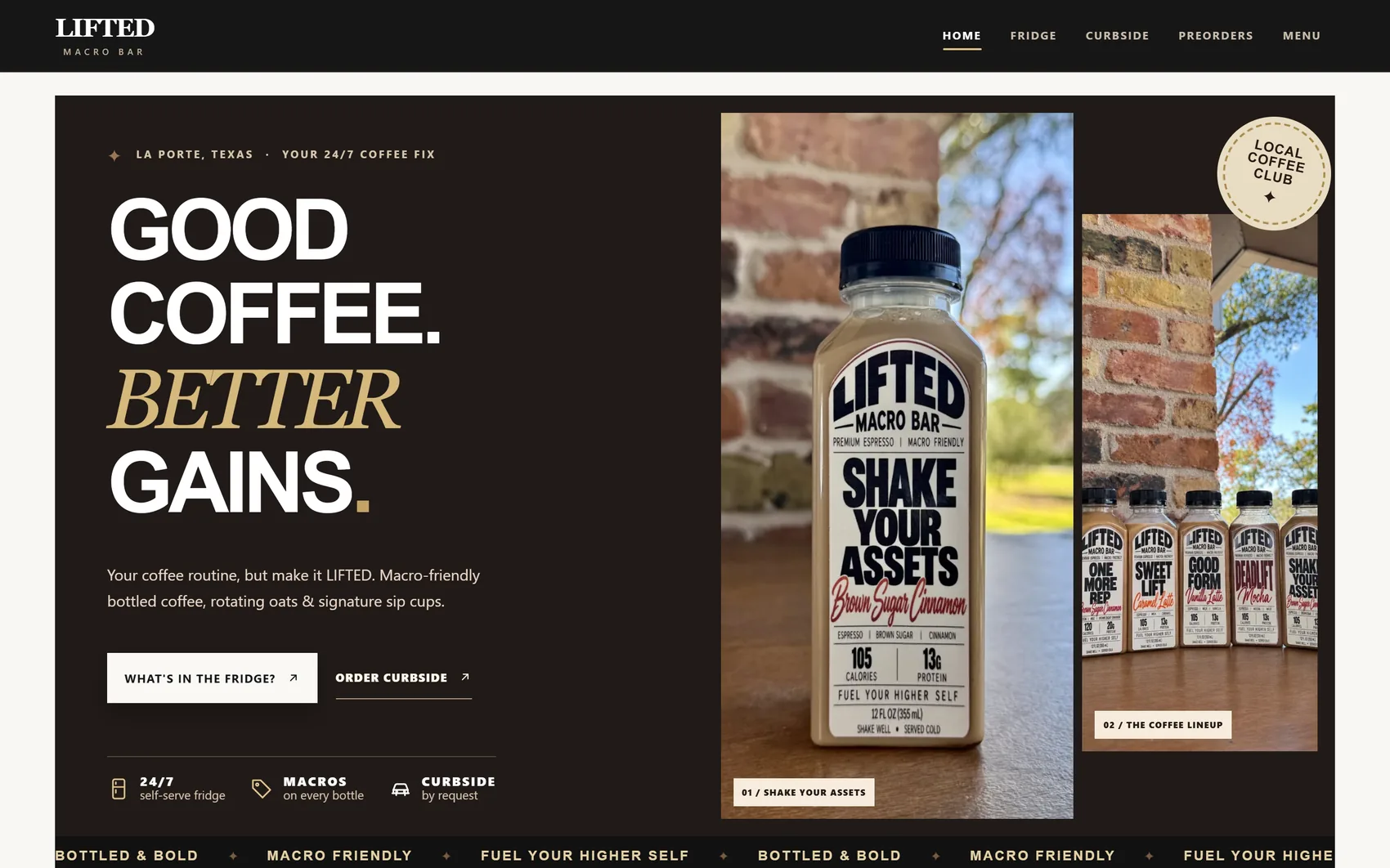
Make it look like a brand.
Make it easy to run.
The owner sells bottled coffee and overnight oats from a fridge that is open every hour, and takes curbside and preorder requests by text. She asked for three things: a site she could launch, a way to edit anything herself, and a way to turn curbside on and off and track preorders.
So the site is built around her day, not a template: the fridge is the star, requests wait for her approval, and nothing she needs is more than a tap away on her phone.
- Photo-led. Every bottle is her own photo with the real label, and the menu numbers match what is printed on it.
- Honest availability. Stock meters, sold-out states and a drawn week strip show what is really there.
- Approval first. Requests are never charged until she approves, which matches how she already works.
- Hers to change. Prices, flavors, photos and switches are edited in the owner app, no developer needed.
Browse, request, follow along.
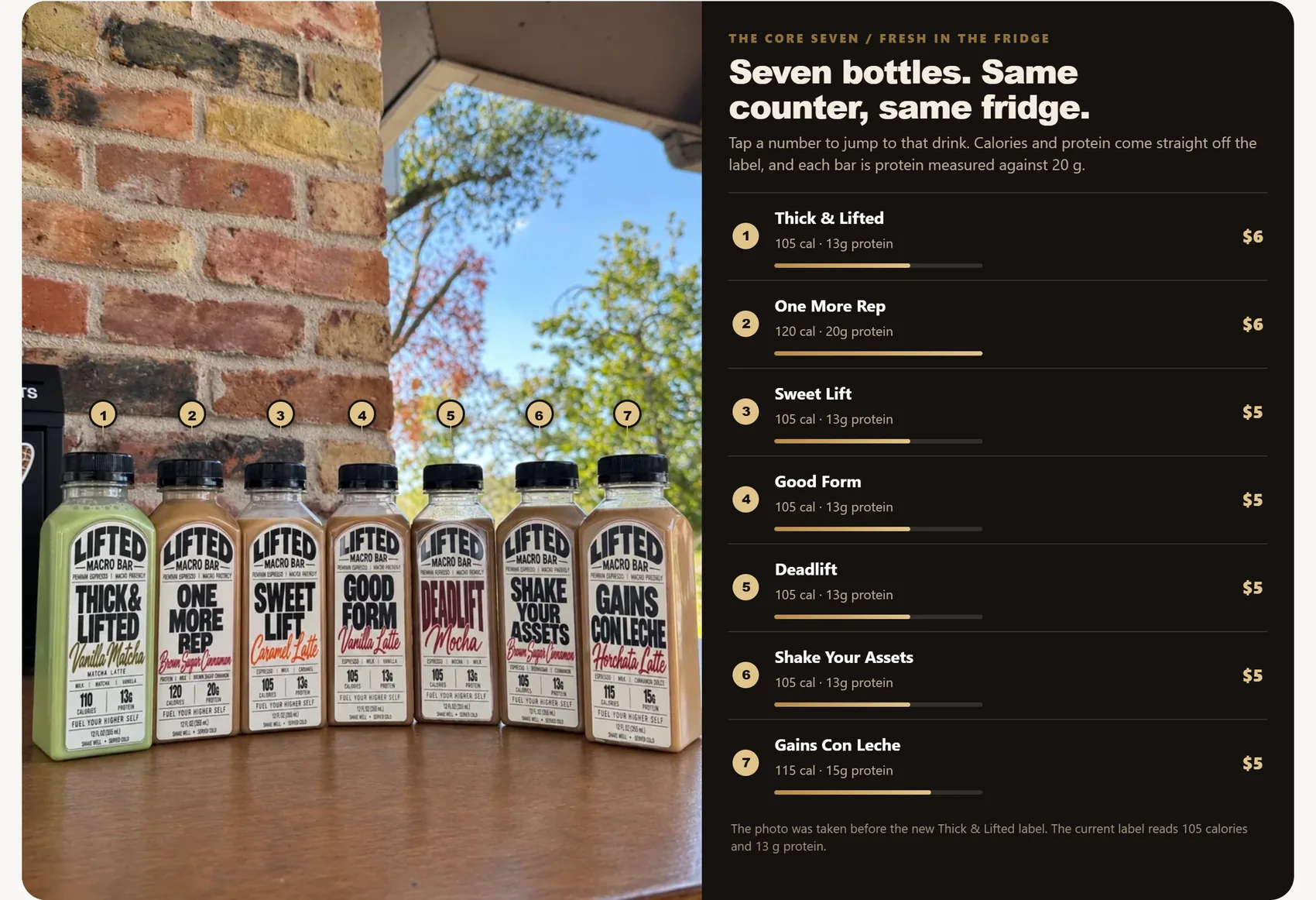
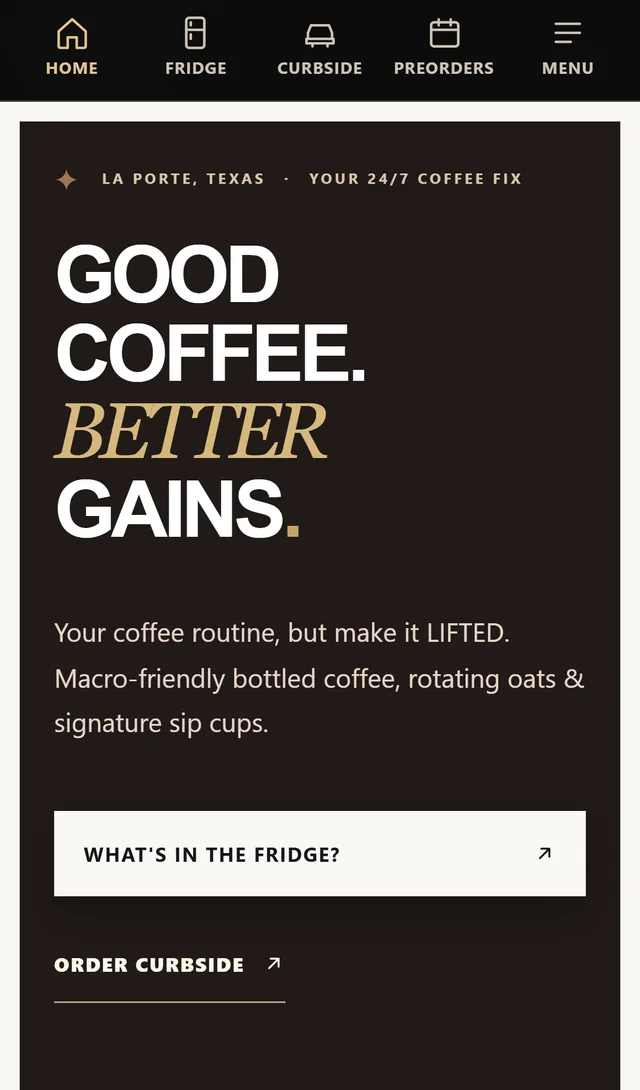
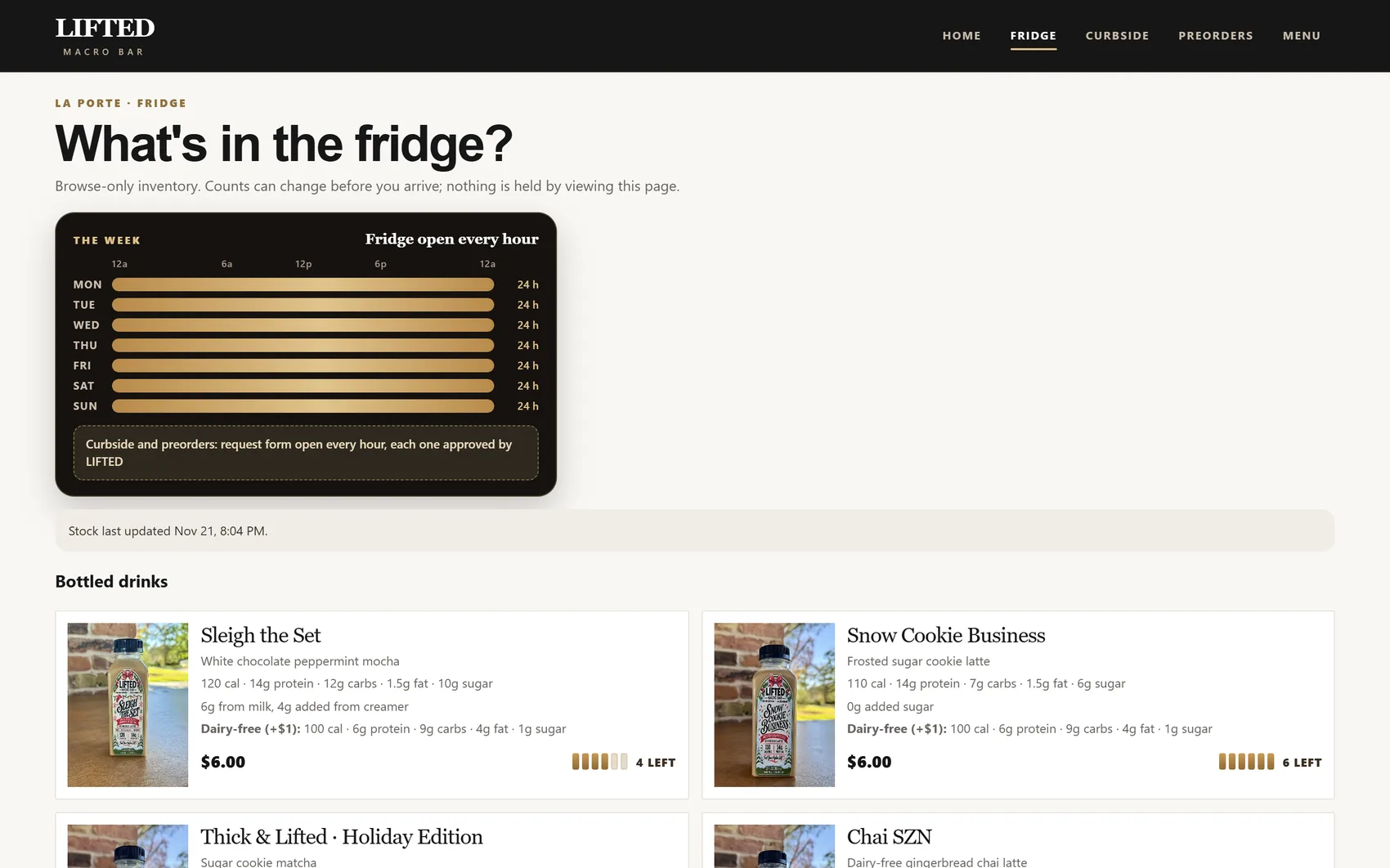
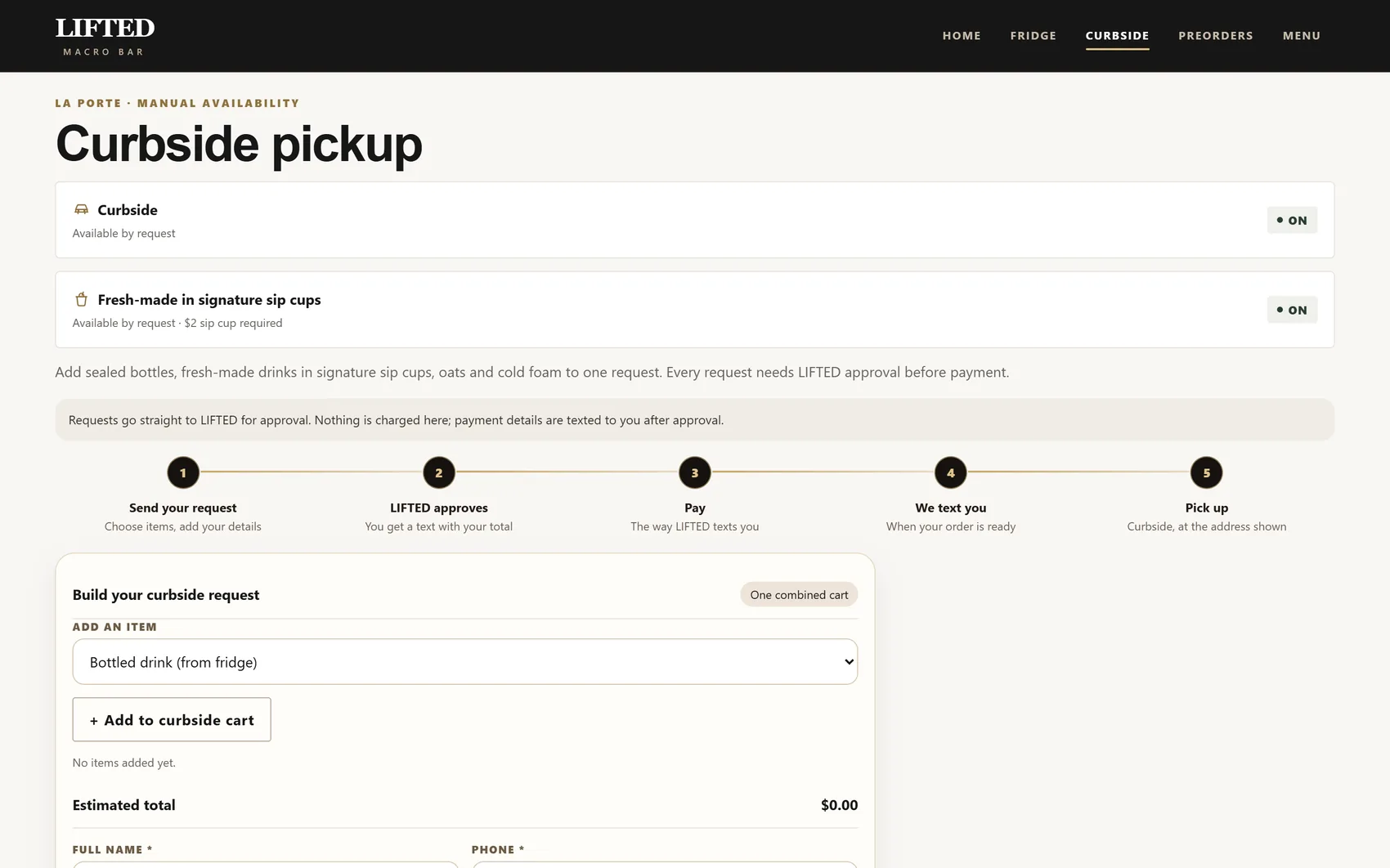
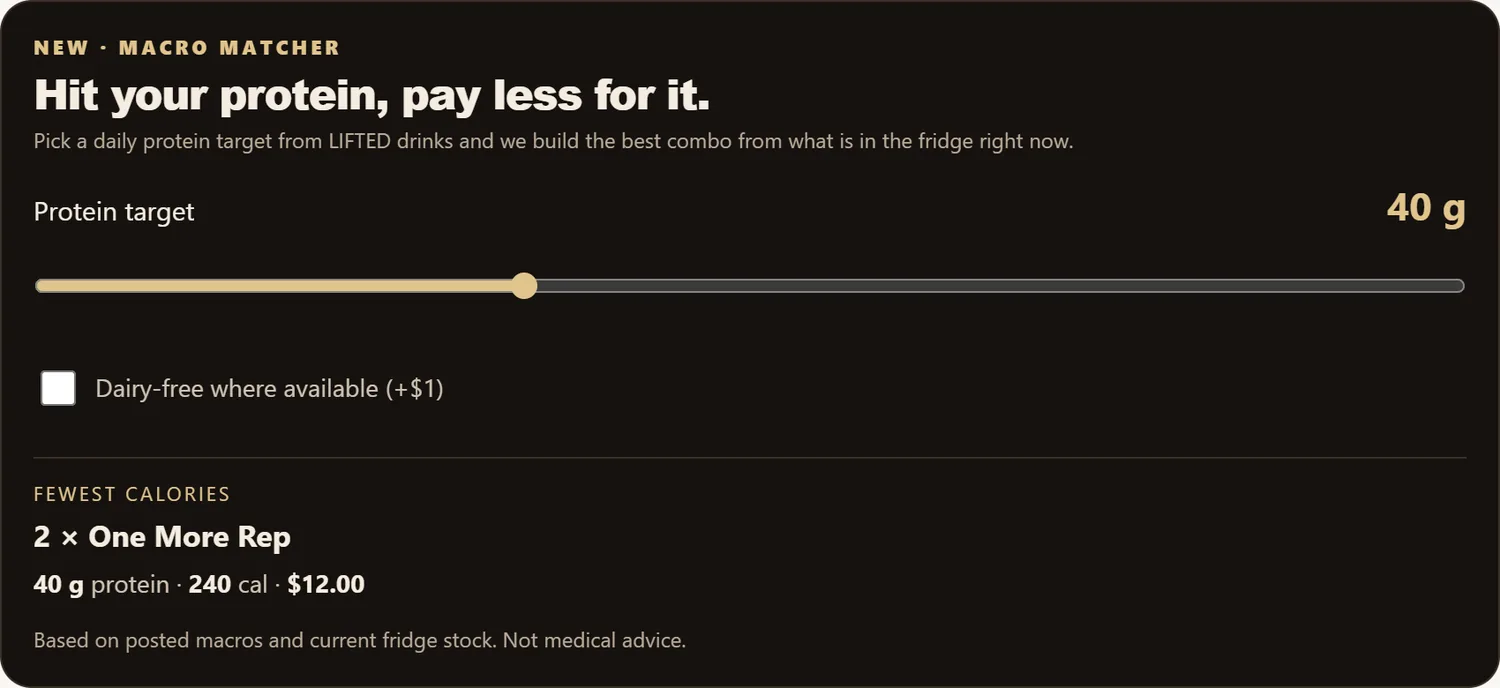
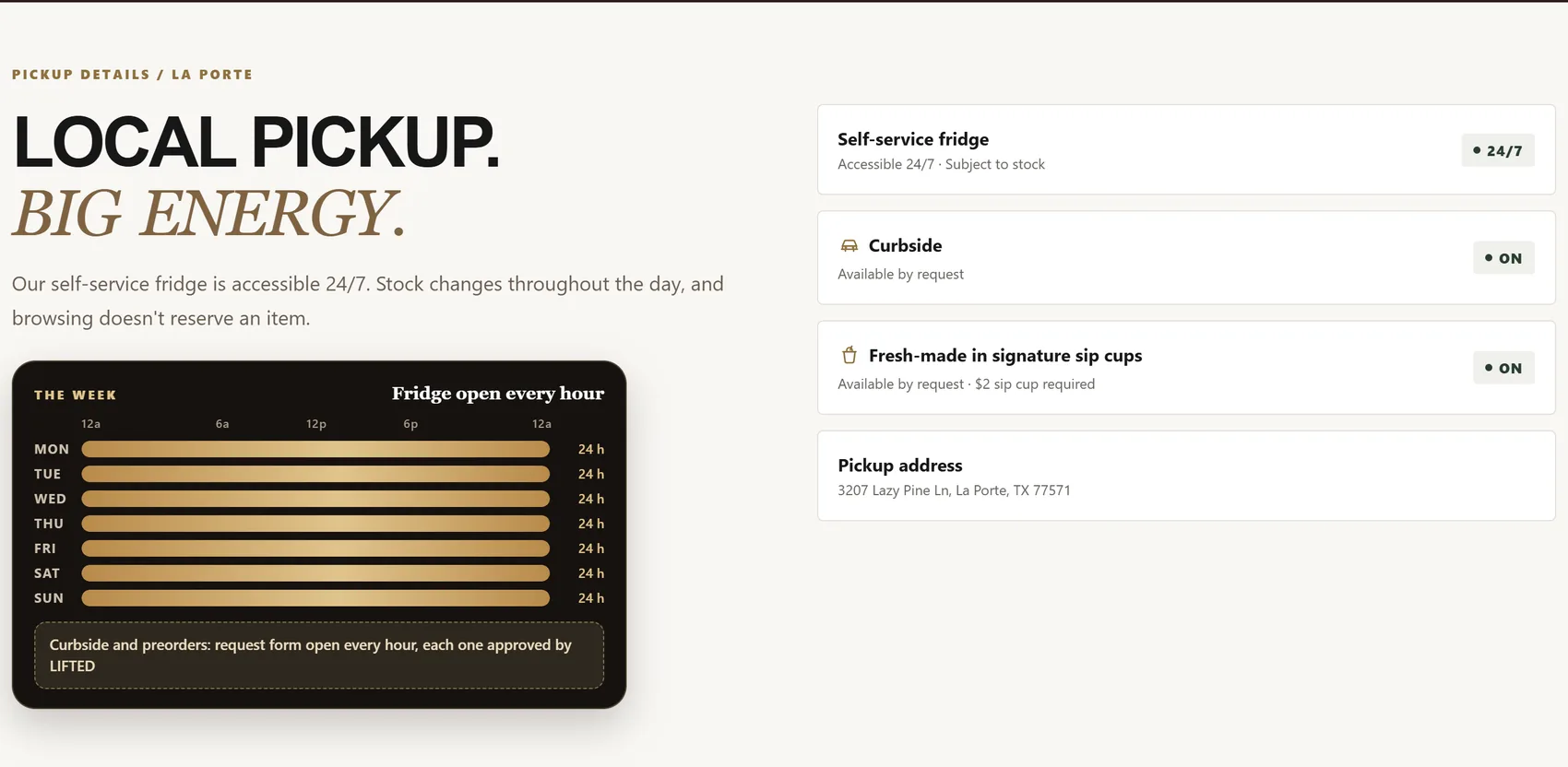
Stock counts in these screens are sample values.
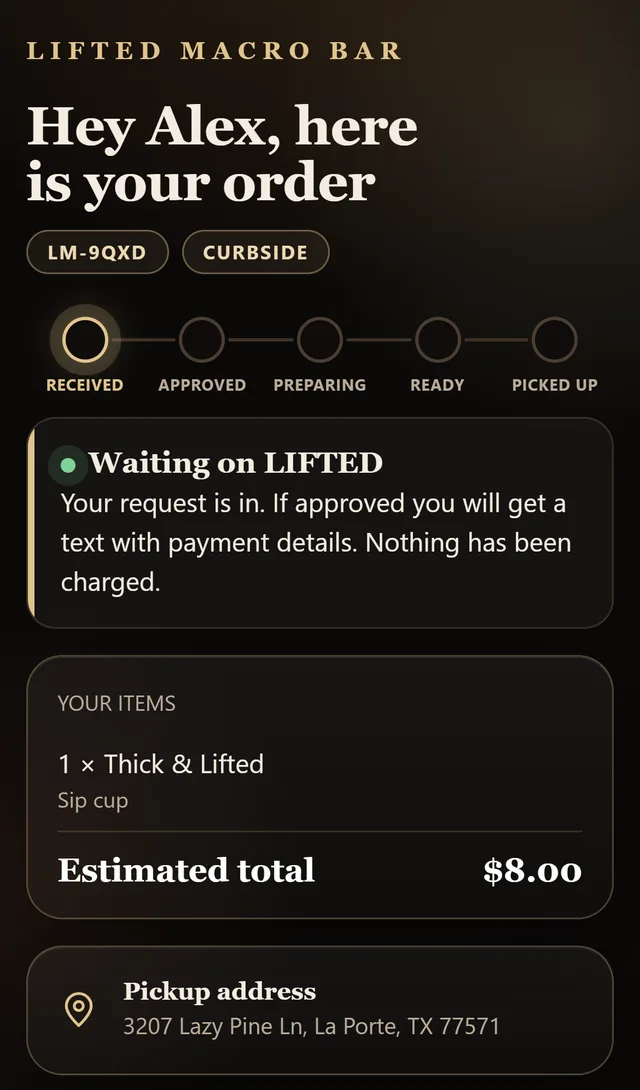
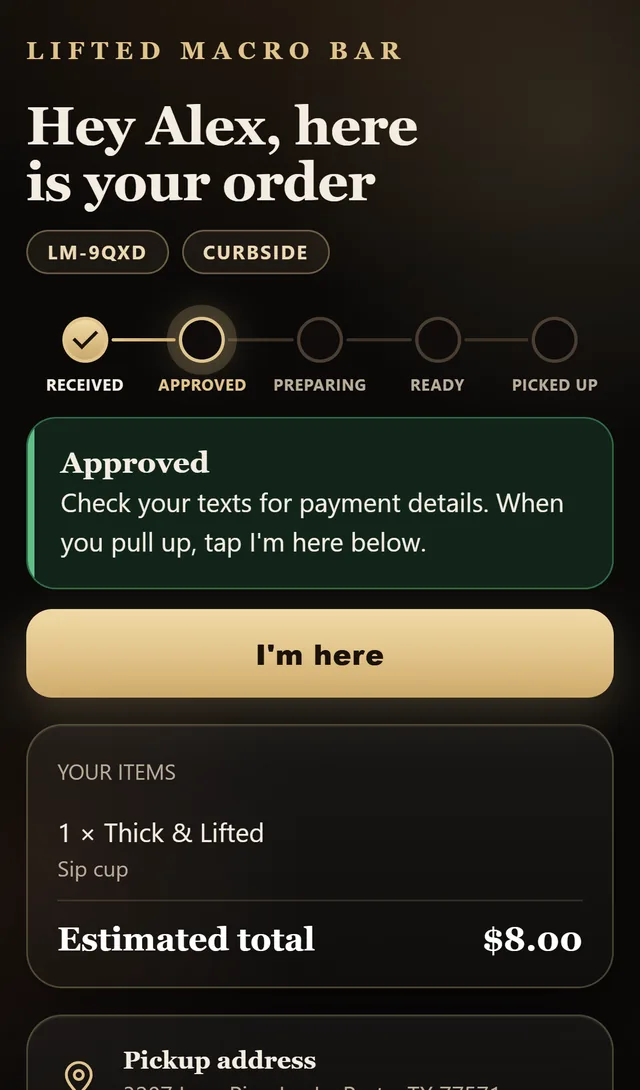
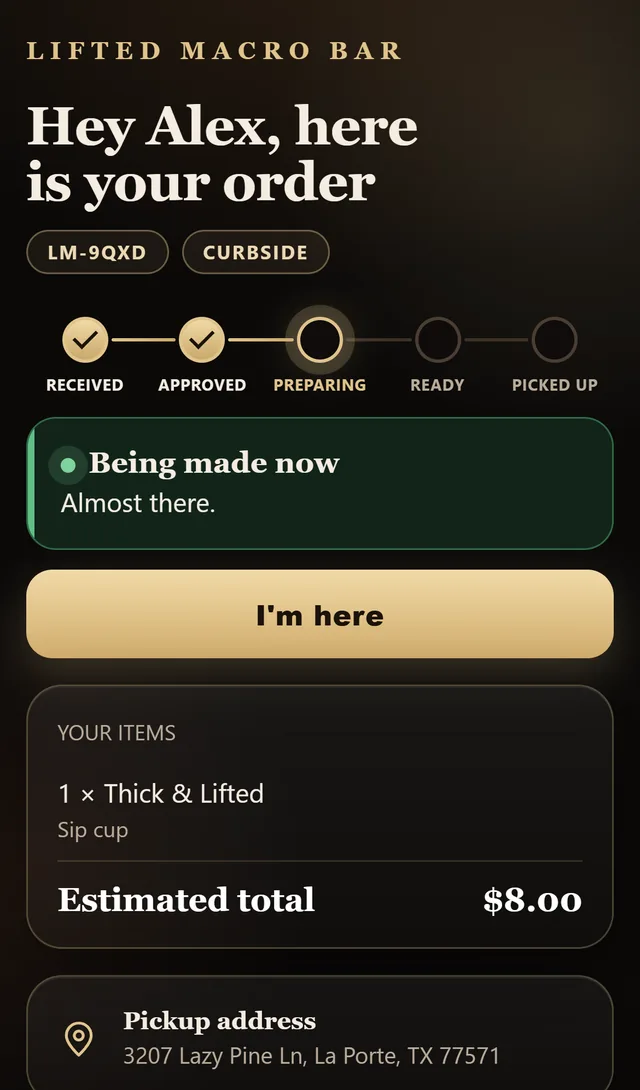
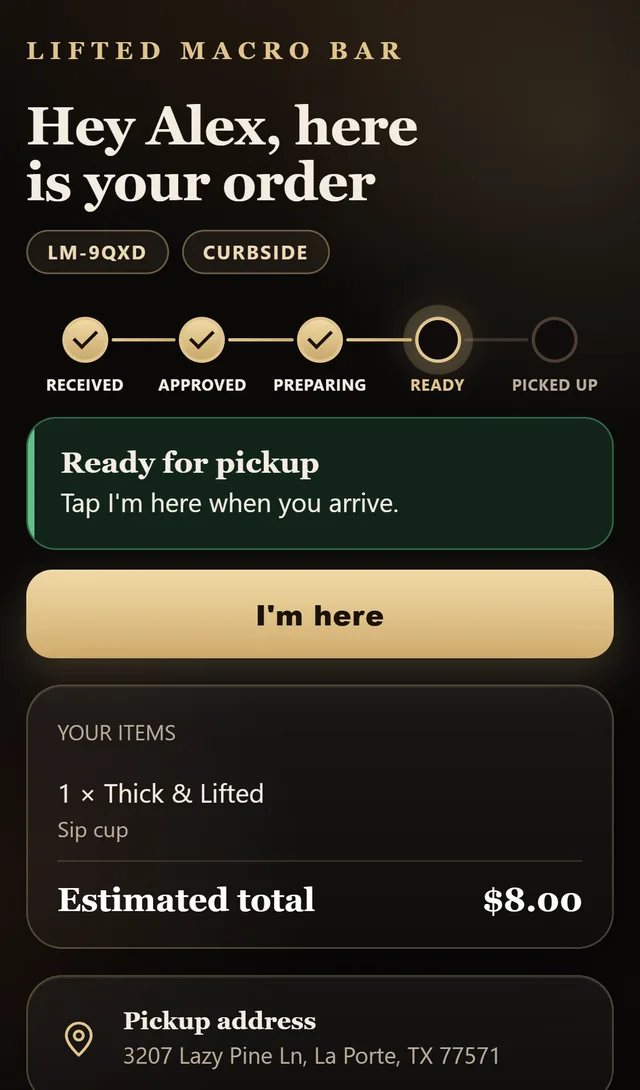
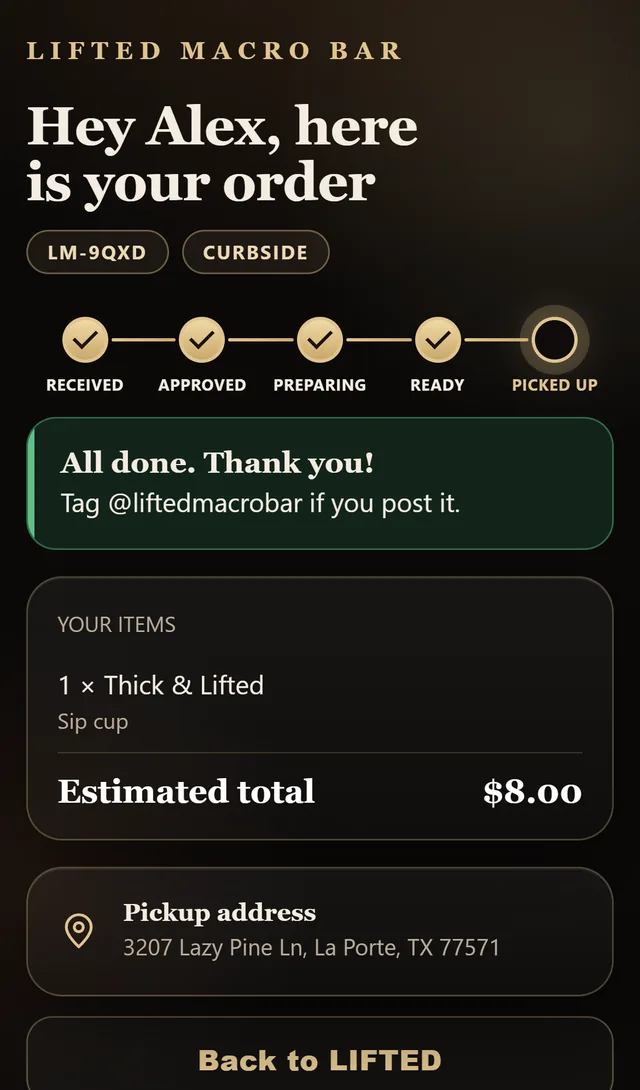
Every order has a private status page.
Customers get a link, not an app. It updates by itself, shows the pickup address and lets them say "I'm here" for curbside.
Built for one thumb.
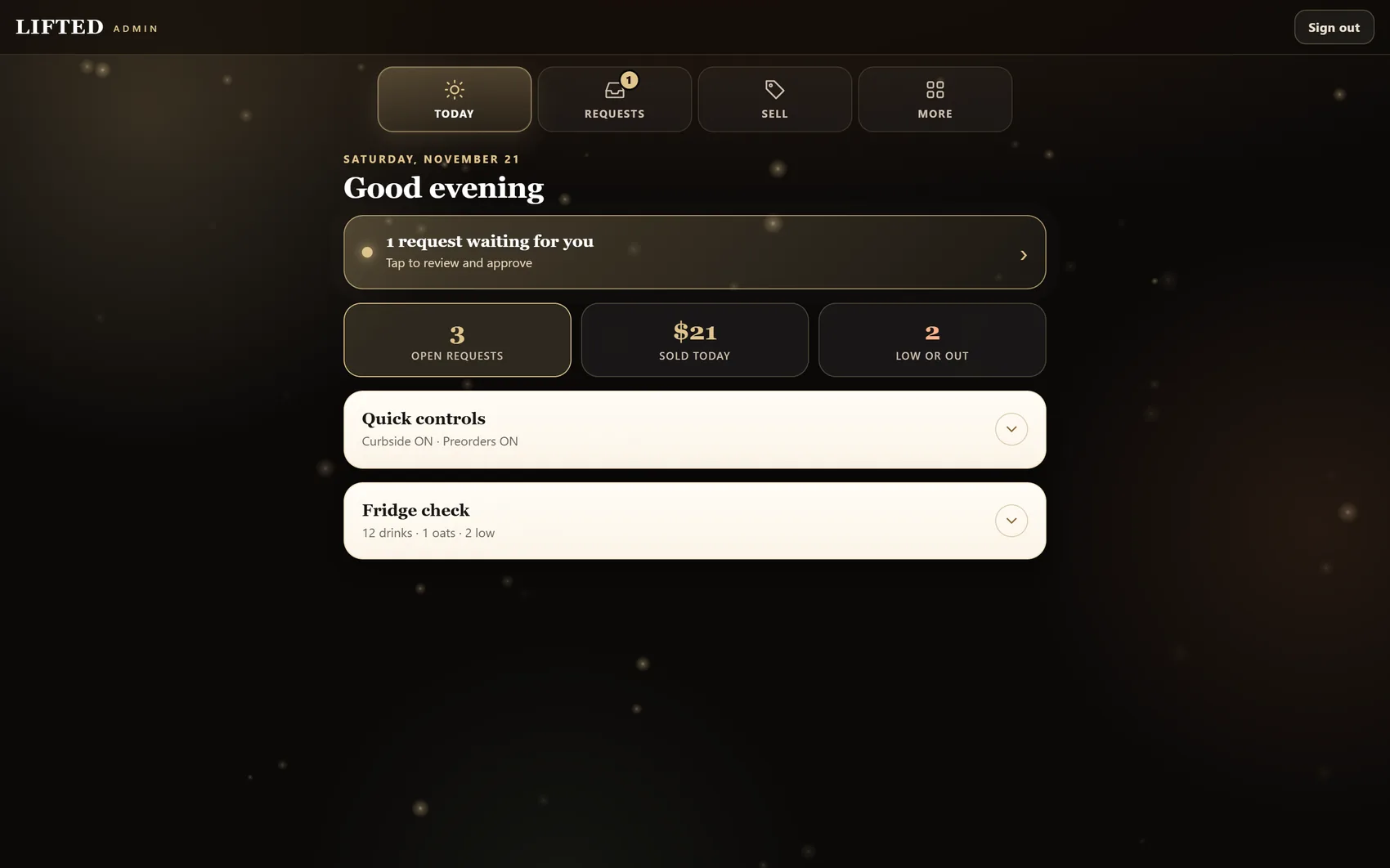
Four tabs. Sections start minimized so nothing is crowded, and the first screen shows only what needs her today.
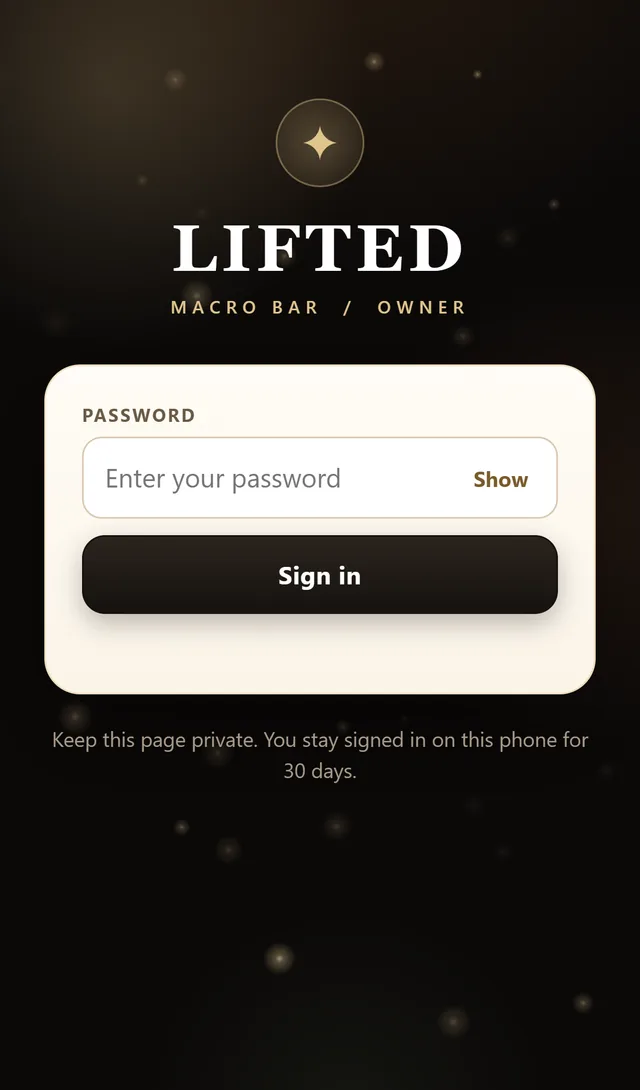
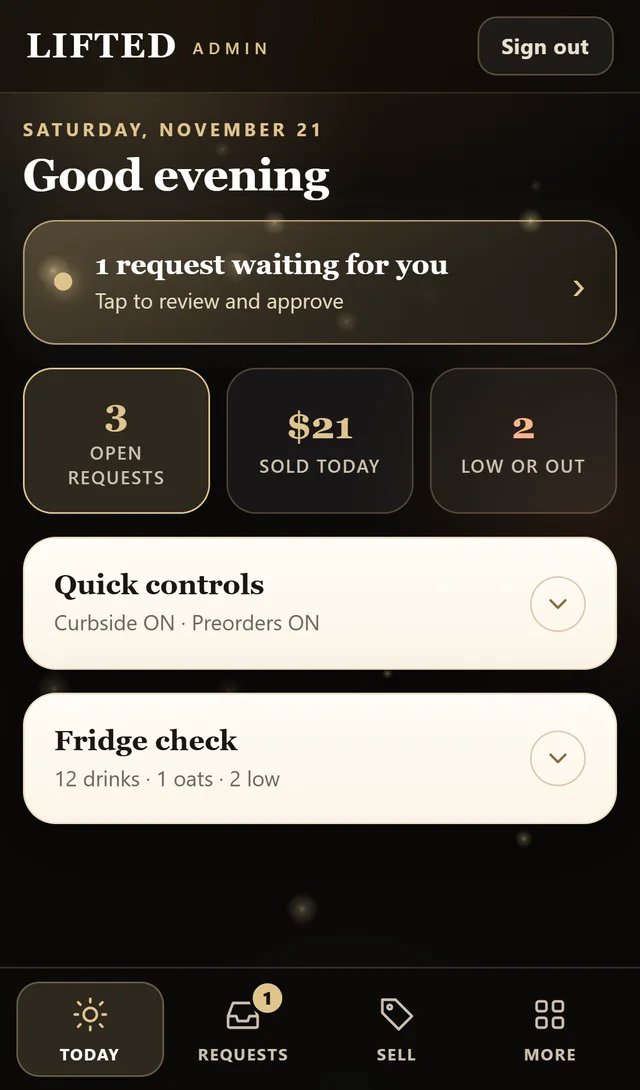
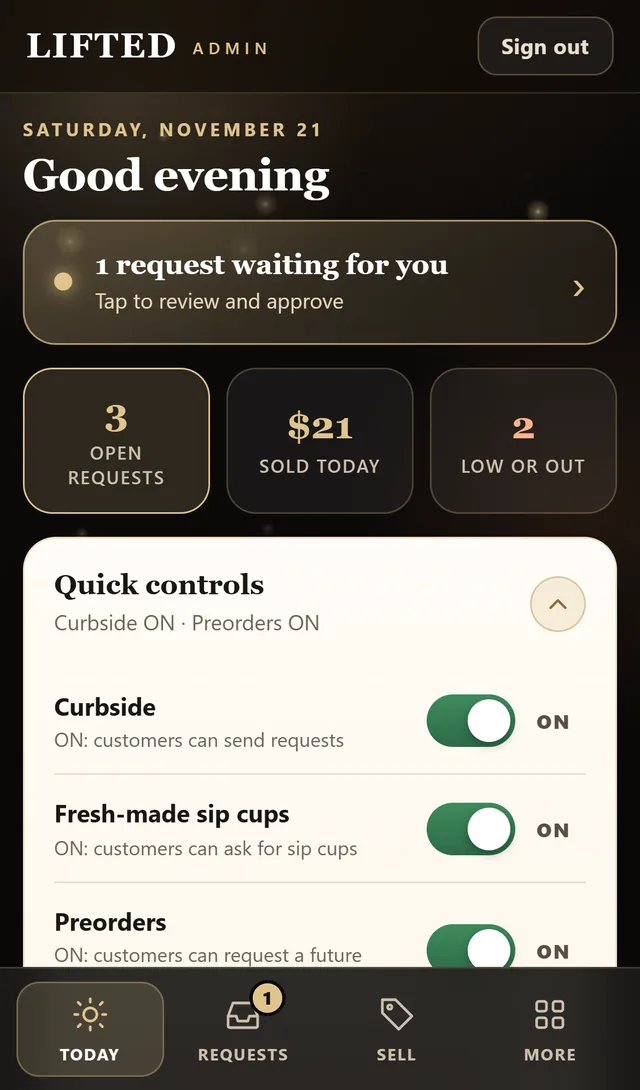
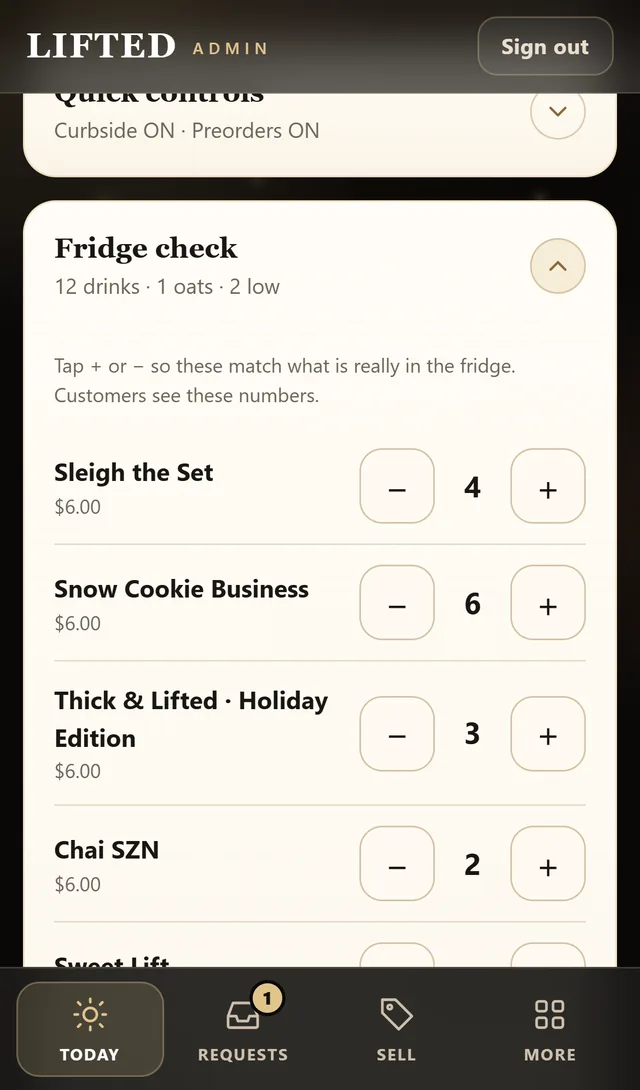
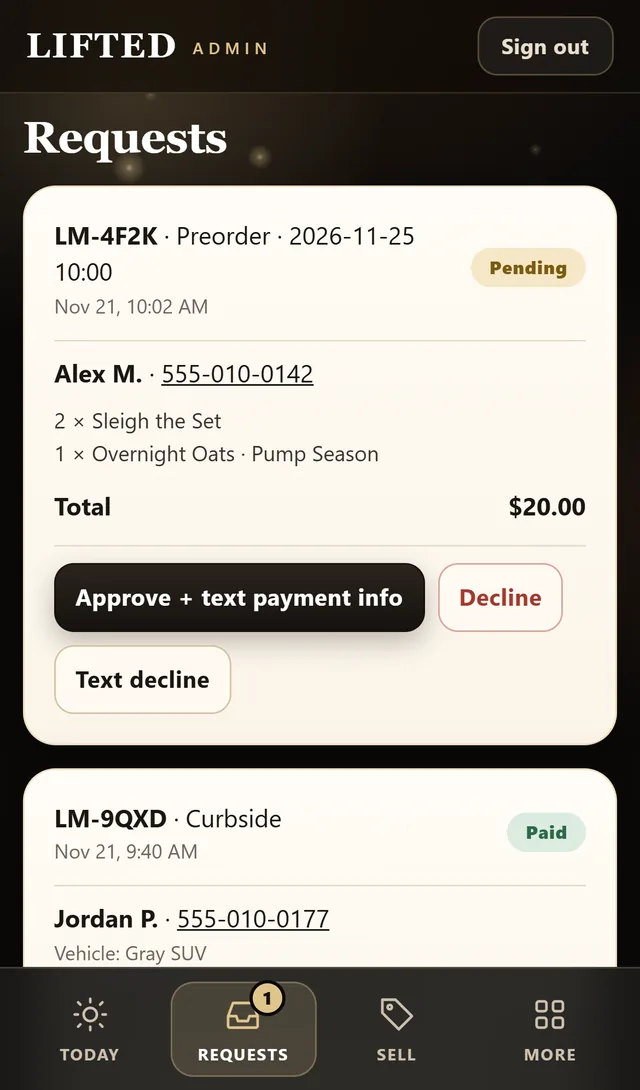
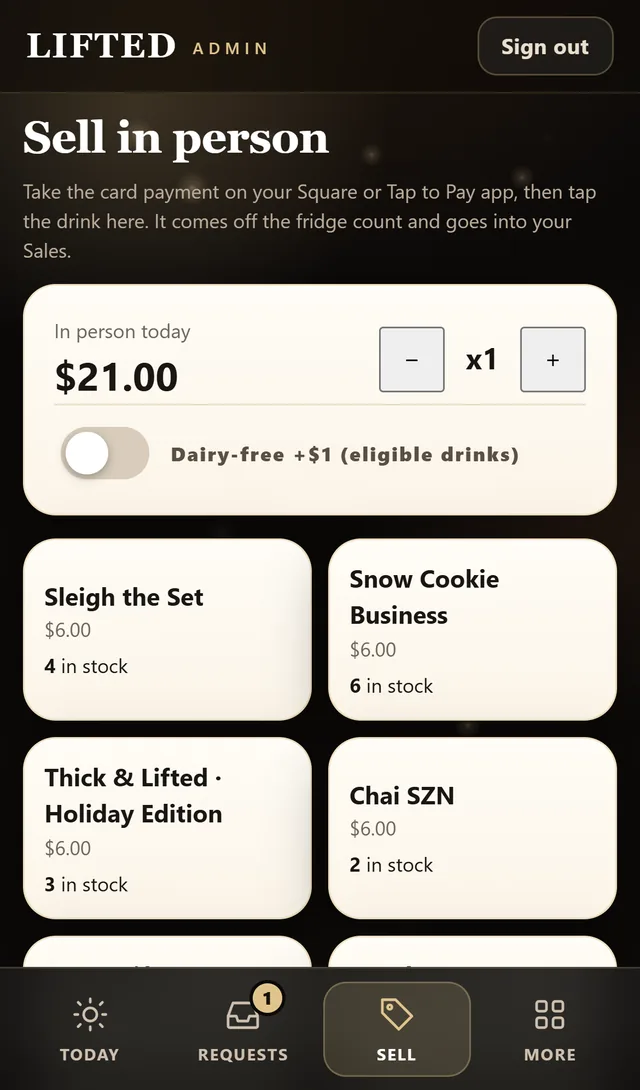
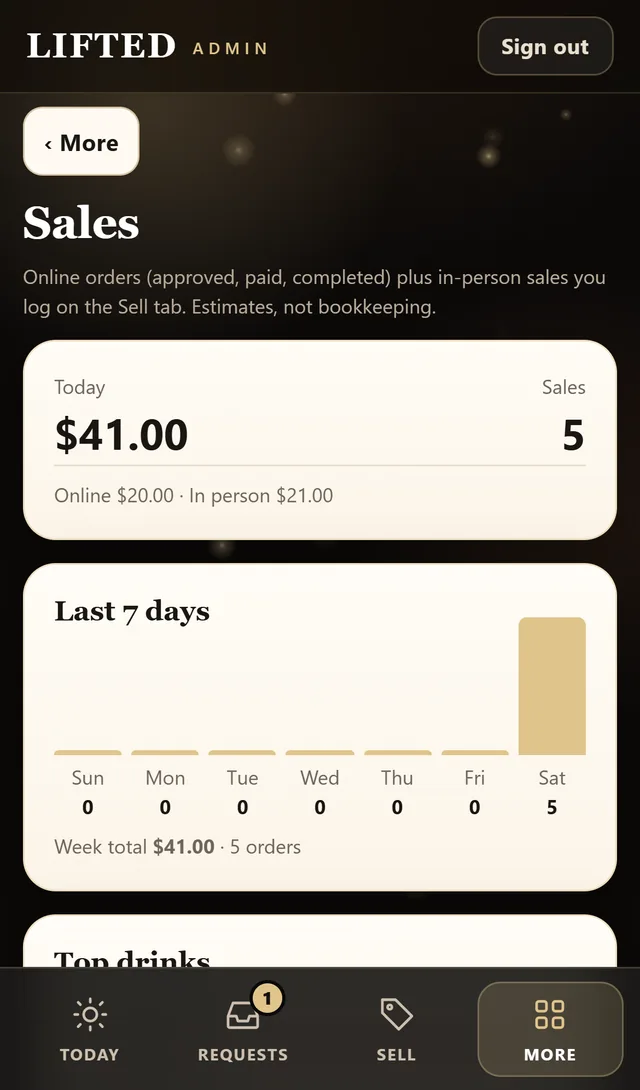
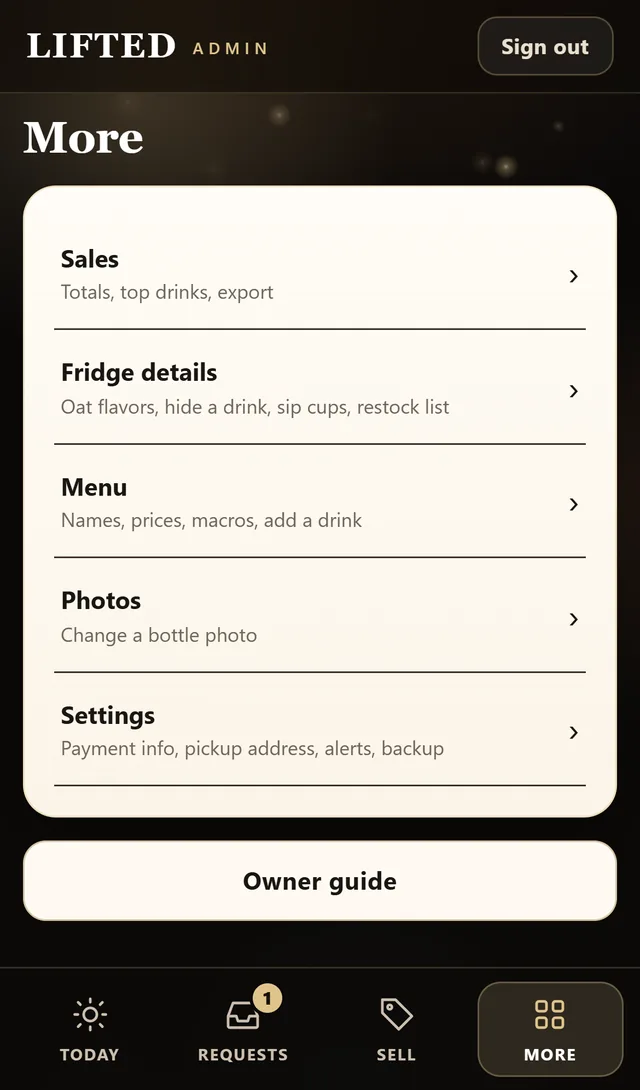
Owner screens show sample orders, names and stock.
Want this for your business?
Send me your site or tell me about the business. You get three fixes back, free.